
FTP connection errors on Mac: causes and quick fixes
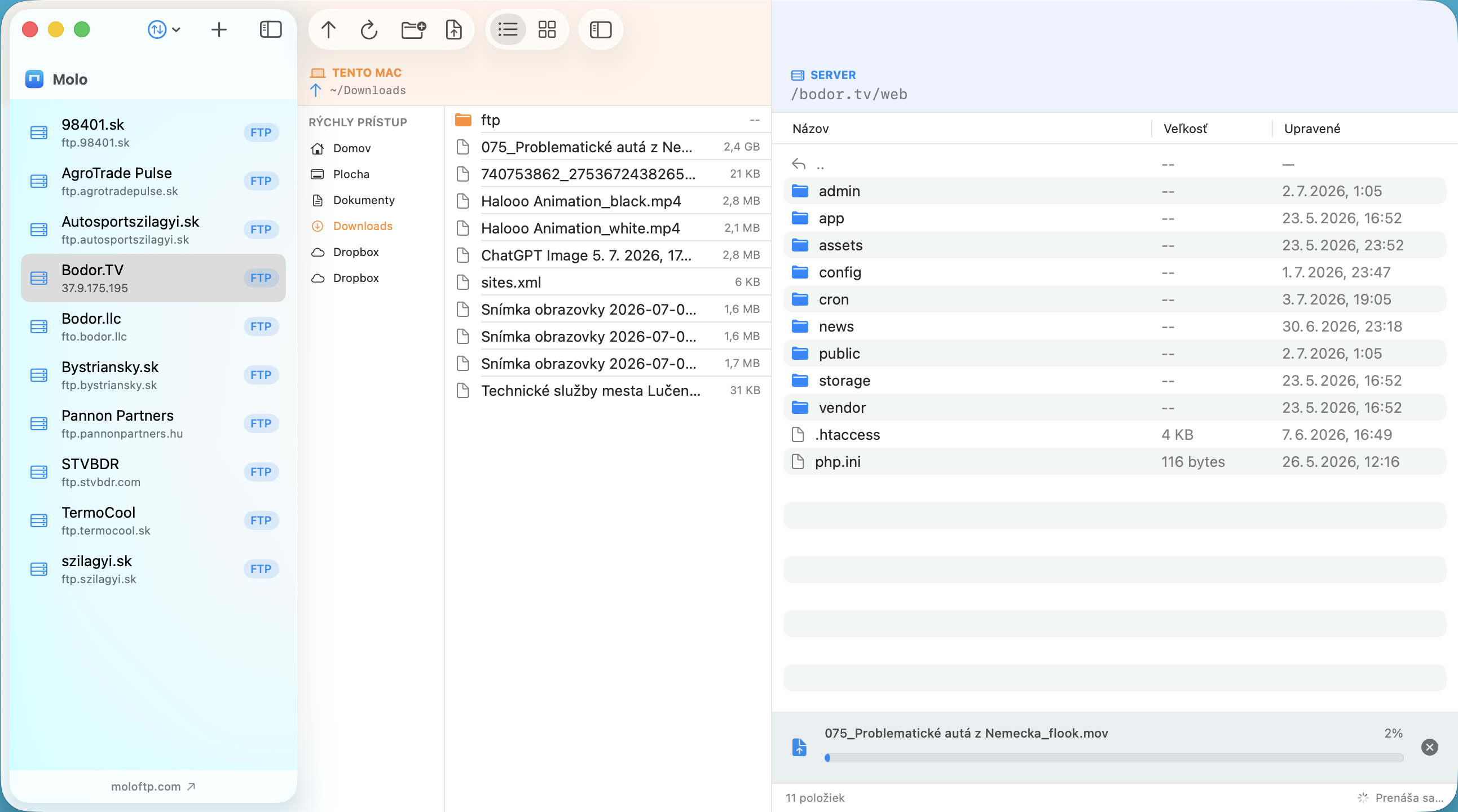
When an FTP connection fails, the cause is almost always one of a few things. Work through this list from top to bottom.
"Could not reach the server" or a timeout
- Check the host name. Use just
ftp.example.com, withoutftp://and without spaces. A one-letter typo looks exactly like an unreachable server. - Check the protocol and port. FTP and FTPS usually use port 21 (FTPS sometimes 990), SFTP port 22. Choosing FTP for a server that only offers SFTP will fail.
- Check your internet connection and turn off any VPN to test.
- Firewall or IP allow-list. Some hosts only accept connections from approved IP addresses. Check your hosting control panel.
"Login failed"
- Retype the password; copy-pasting can add a trailing space.
- Some hosts need the full username, for example
user@example.com. - Check that the FTP account is active and not locked after too many attempts.
- Test the same details in your hosting provider's web file manager.
Connected, but folders are empty or access is denied
- You may be in the wrong start folder. Set the Remote path to the one your host recommends.
- "Permission denied" means the account may not write to that folder. Check the account's permissions in the control panel.
The connection drops after a while
Servers close idle connections after a few minutes. Molo sends a small keep-alive signal and reconnects automatically, including after your Mac wakes from sleep, returning you to the same folder. If a host drops connections constantly, it may limit simultaneous connections or idle time.
SFTP: host key warning
The first time you connect over SFTP, Molo remembers the server's key fingerprint. If the key later changes, Molo refuses to connect. That is expected after you move or rebuild a server; otherwise treat it with caution.
Fix it right in the app
When Molo cannot connect it shows the reason with Retry and Edit… buttons, so you can correct the host, port or password immediately. After about 20 seconds without an answer, it stops trying and shows an error instead of spinning forever. New to this? Start with how to connect to an FTP server on Mac or see the troubleshooting section of the user guide.
Frequently asked questions
Why does my FTP connection time out?
Usually the host name, port or protocol is wrong, the server is blocking your IP address, or a firewall or VPN is in the way.
Why does login fail when my password is correct?
Some hosts require the full username (for example user@example.com), or the password contains a trailing space after copy-pasting.
What does 'permission denied' mean on an FTP server?
The account is not allowed to read or write that folder. Check the account permissions in your hosting control panel.